Edit Material
To edit the material from the parts page:
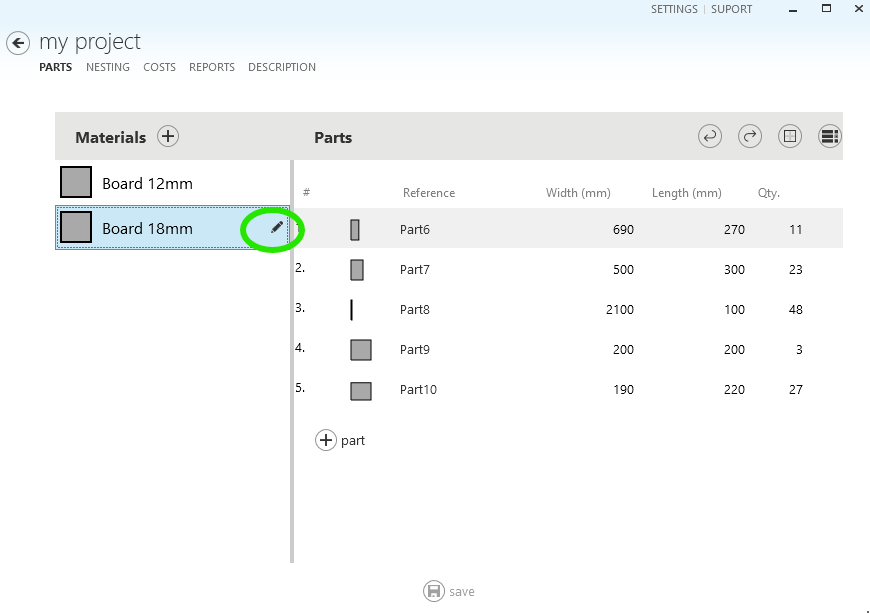
1 - Select the material you want to edit and click on the icon that appears next to the name, as shown in the following image:
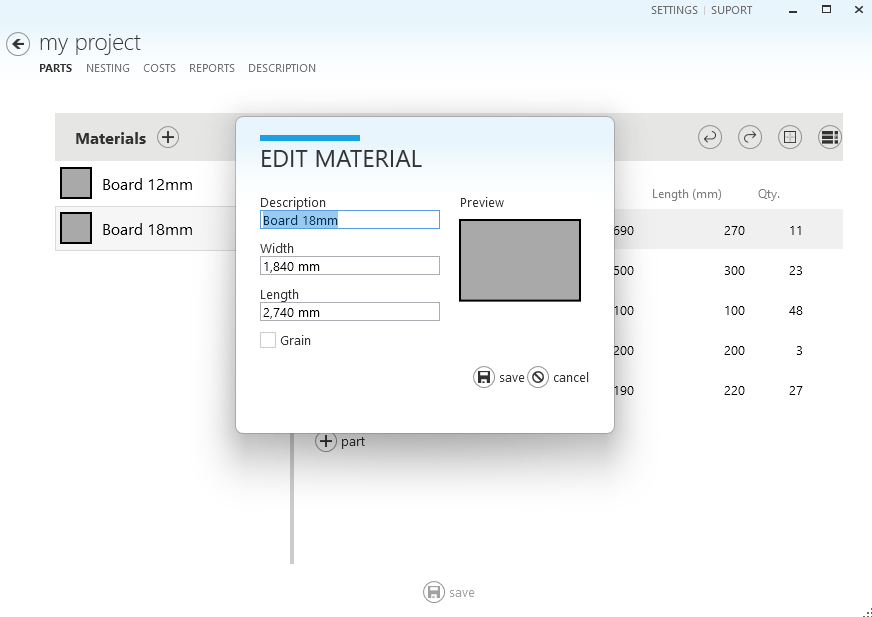
2 - The material editing window will be displayed. In it, you can change the description of the material, the width, and the length and indicate if the material has a vein, as shown in the following image
3 - Click on Save to confirm the changes.
4 - To have the cutting layouts recalculated with the new dimensions of the material, click on the Nesting tab and select make nesting.